


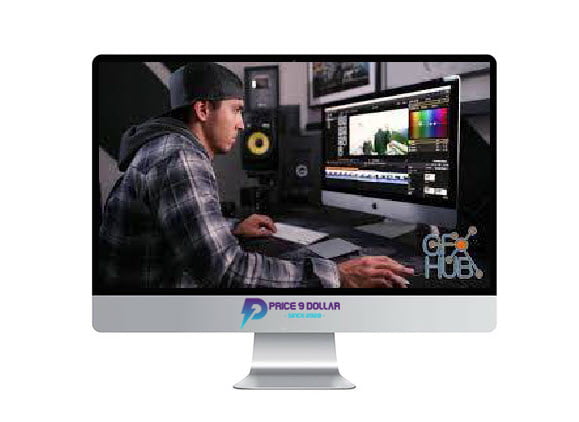
Fulltime Filmmaker – Final Cut Pro X Editing Workflow
Original price was: $129.00.$9.00Current price is: $9.00.
Sale Page: https://courses.fulltimefilmmaker.com/p/final-cut-pro-x-editing-workflow
Fulltime Filmmaker – Final Cut Pro X Editing Workflow
Fulltime Filmmaker – Final Cut Pro X Editing Workflow
Hi! My name is Parker Walbeck. I have traveled all over the world creating video content for big names brands, and now share all of my technical, creative and business insights through this online course: Full Time Filmmaker. This course and virtual mentorship program is designed to help aspiring videographers and filmmakers begin or advance their video businesses. I also run a youtube channel called Parker Walbeck that is dedicated to sharing bits of the paid course content for free. That content includes gear reviews, comparisons, tutorials, cinematic films and more.
Here what you’ll get:
Intro (Watch First) (1:56)
1. Data Management (2:19)
2.ing a New Project (4:59)
3. Keyboard Shortcuts (9:37)
4. Sifting Process Part 1 (5:47)
5. Sifting Process Part 2 (3:29)
6. Where to Find/License Music (3:59)
7. Editing to Music (9:51)
8. Speed Ramping (5:56)
9. Stabilization (3:18)
10. Optical Flow – How to Fake Slow Mo (3:57)
11. Digital Zoom, Vertigo Effect, Reframing (3:57)
12. Color Correction 101 (10:02)
13. Color Grading – How To Install & Apply LUTs (5:59)
14. The Orange and Teal Look Explained (2:42)
15. Sound Designing 101 (12:27)
16. Light Leaks (4:41)
17. Creating Basic & Motion Titles (3:29)
18. Best Export Settings (3:37)
Related products

Business & Marketing

Business & Marketing

Business & Marketing

Business & Marketing

»VIP Only

Business & Marketing
Business & Marketing

Business & Marketing